LUNARBALL 1.5 - The Comeback Update
Bots, wall riding, air dash, instant replays, bigger stadiums and a whole new look
Read it on SteamHey, it's been a while. I've been busy working on a few other projects, one of which will also be releasing very soon so stay tuned!
This update rebuilds LUNARBALL's foundations. It's what I wanted the game to be a few years ago, and I thought I'd give it it's final hurrah!
A new engine, new game mode & map, netcode rewritten from scratch, bots, new movement mechanics, and so much more!

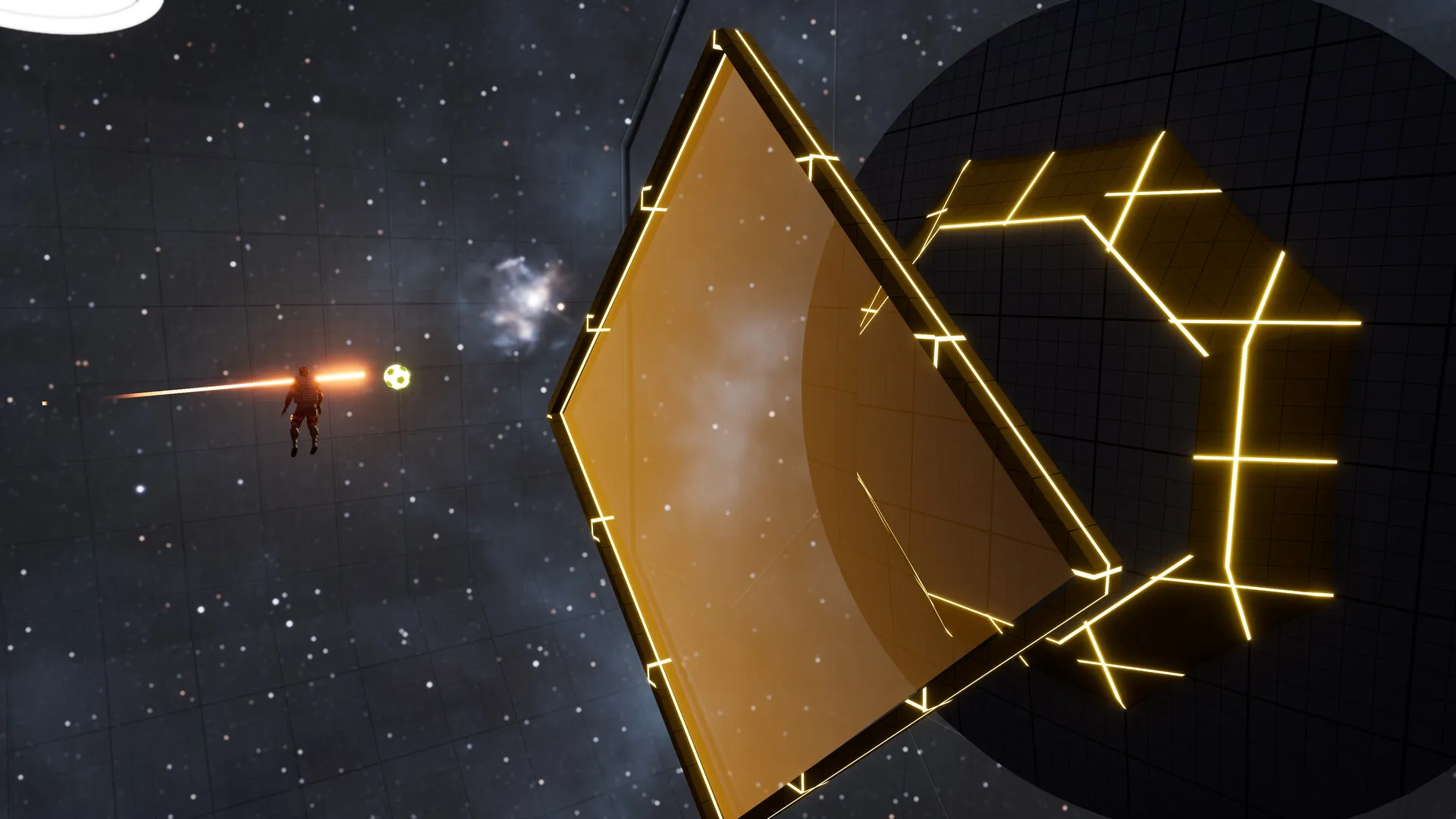
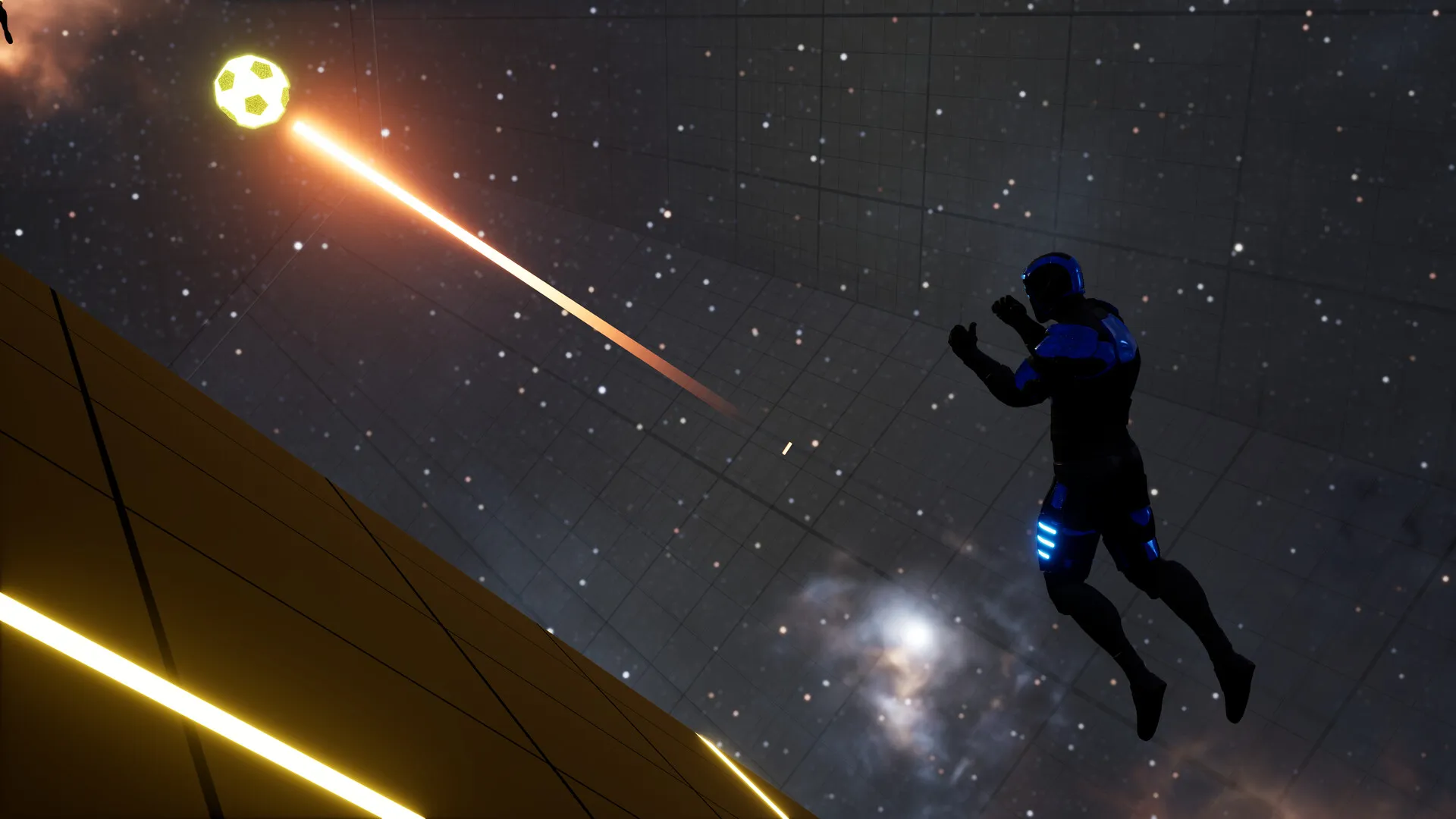
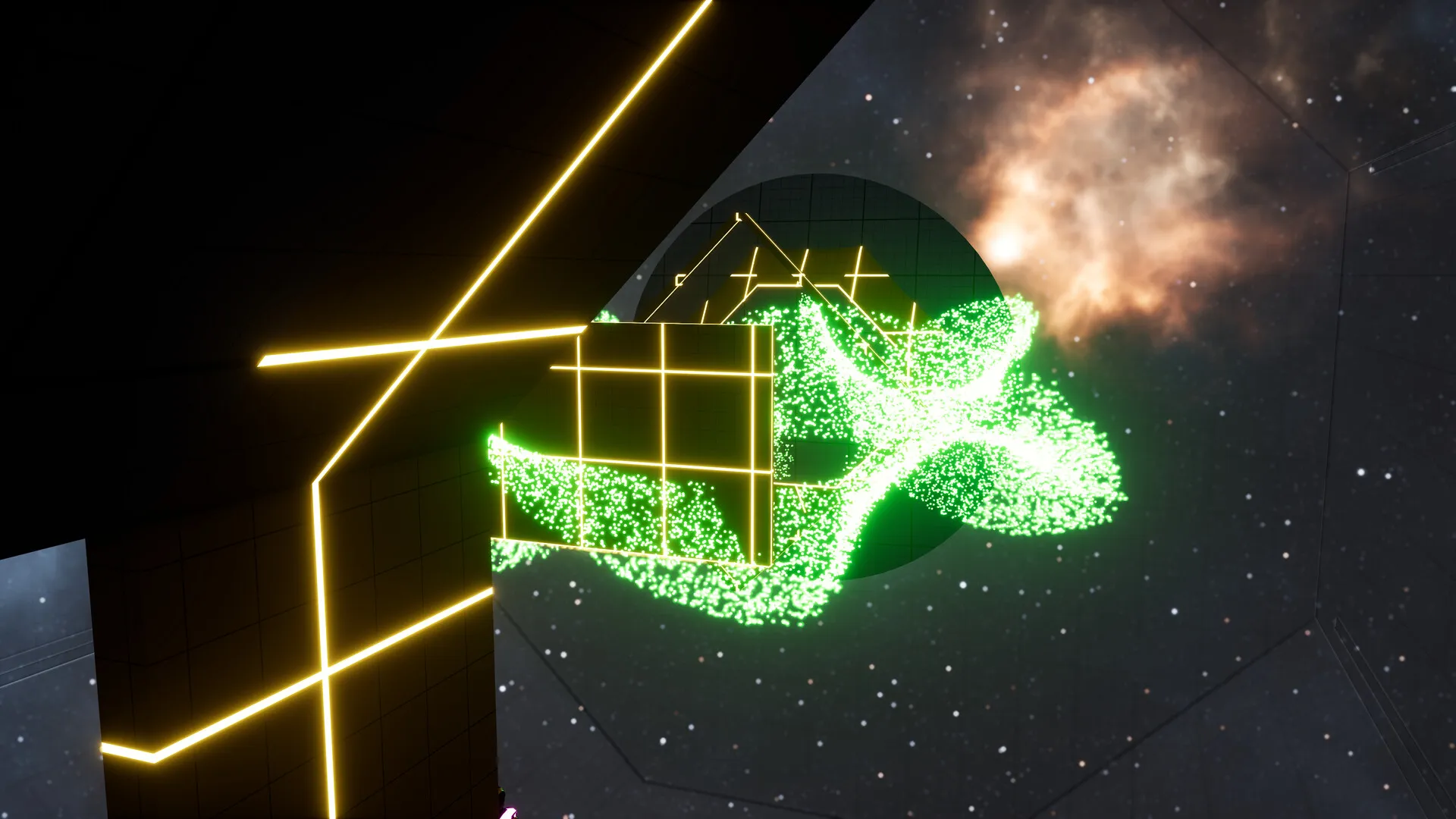
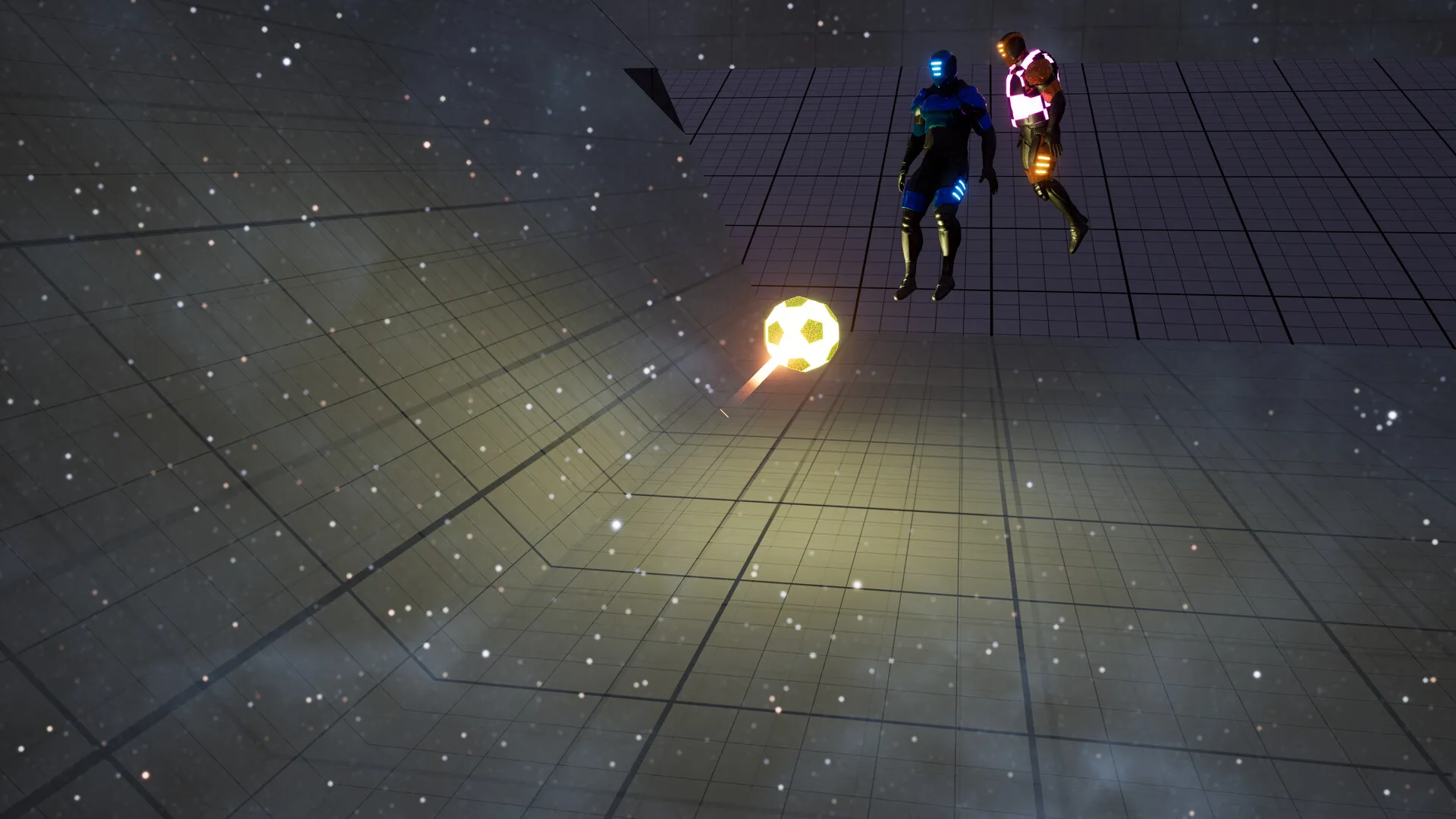
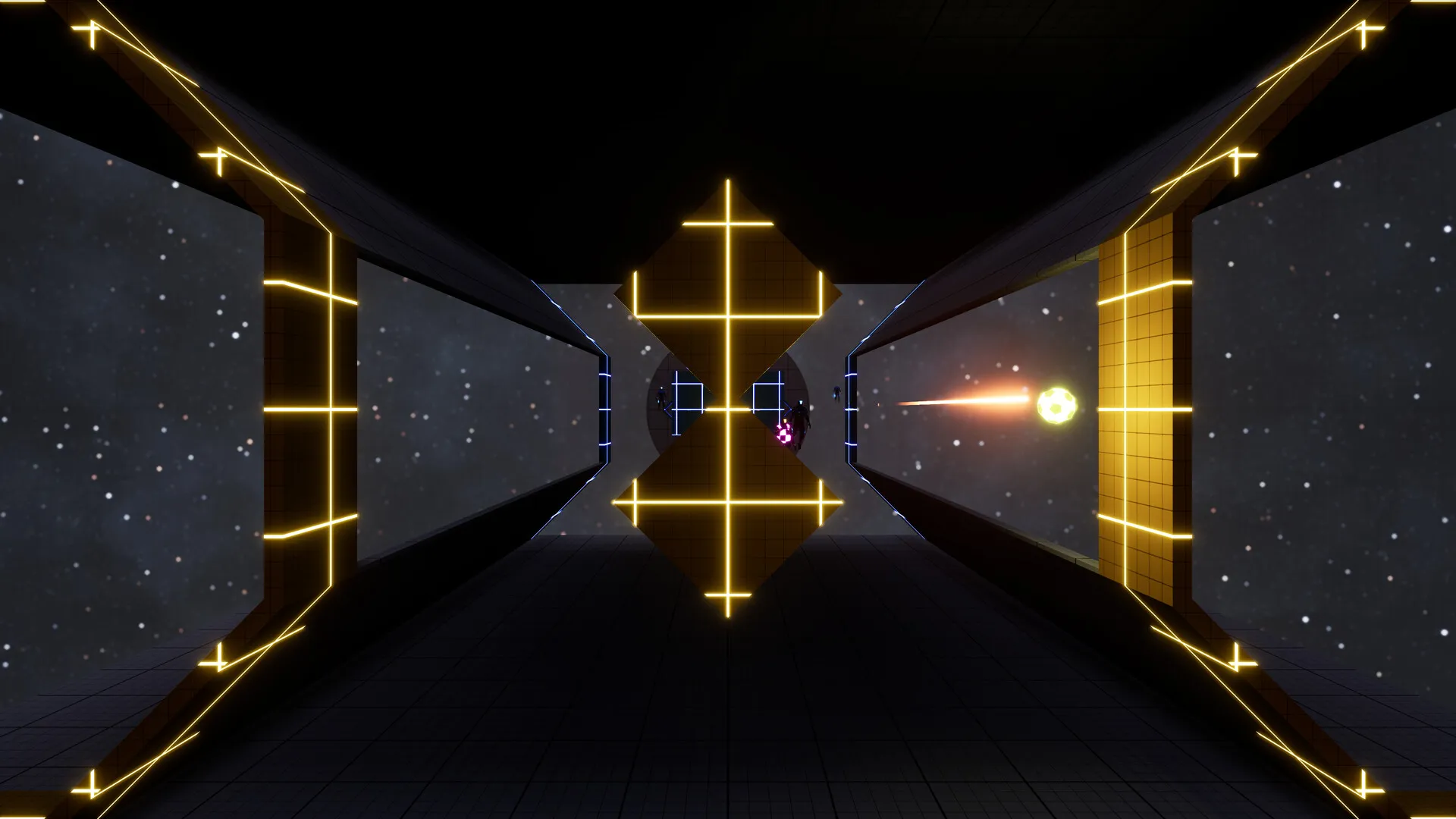
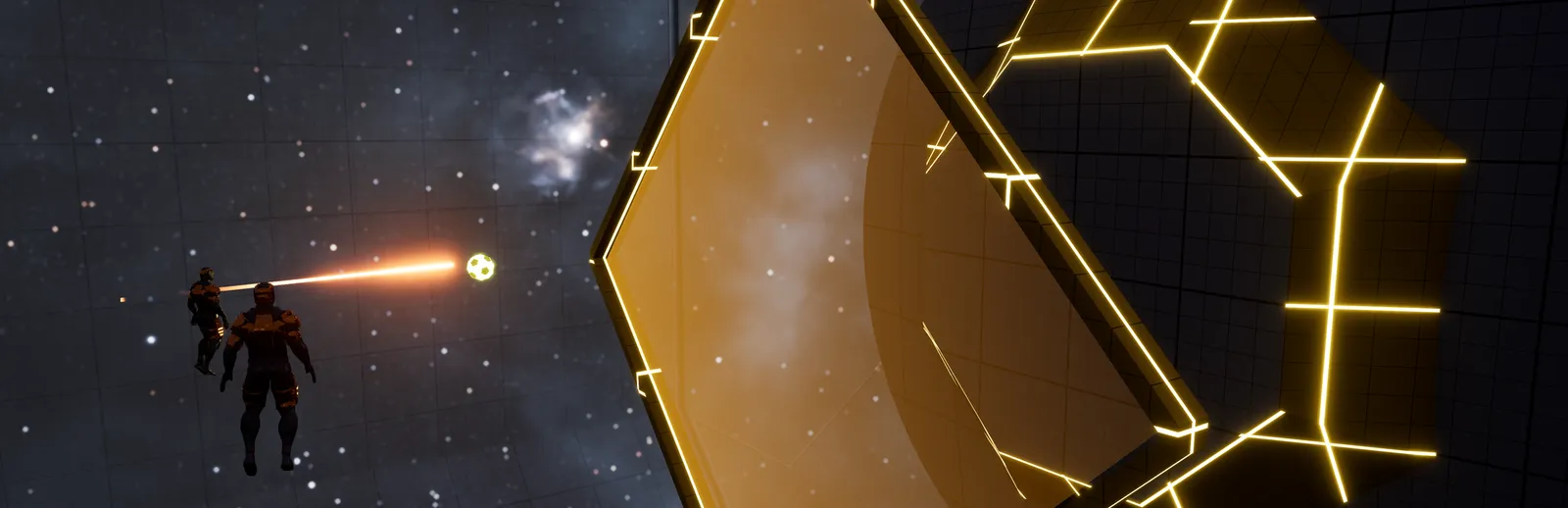
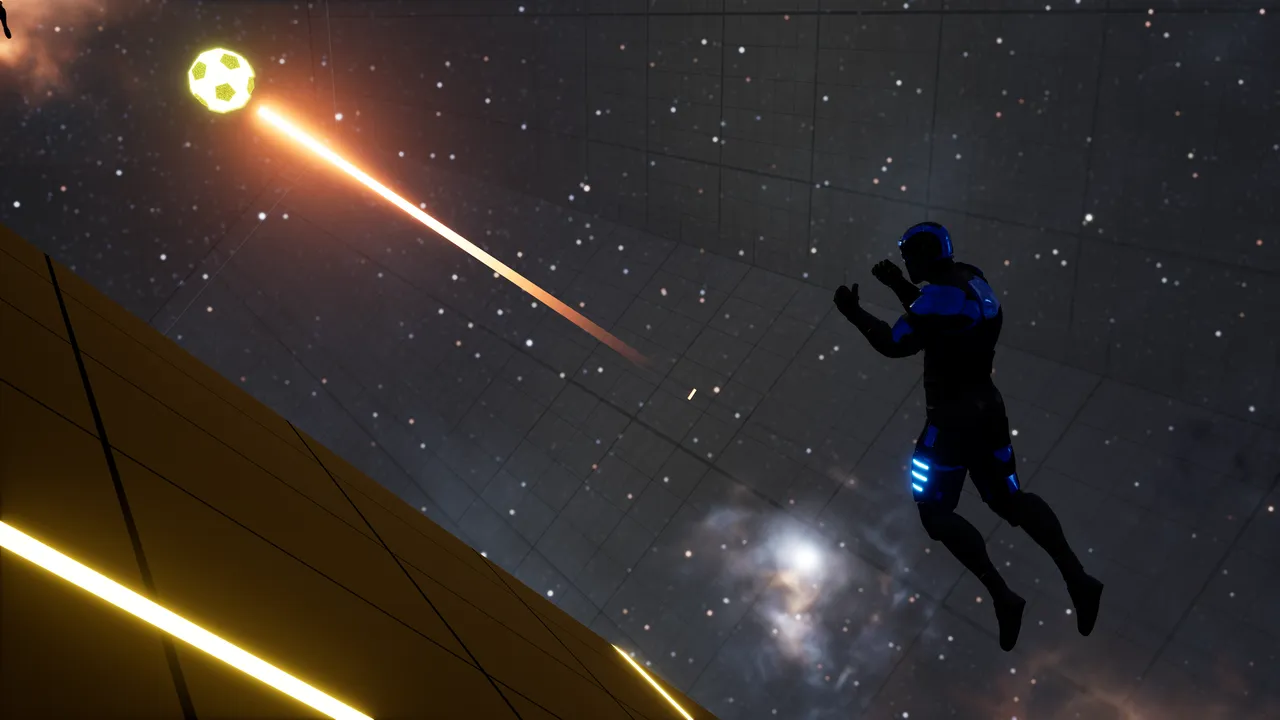
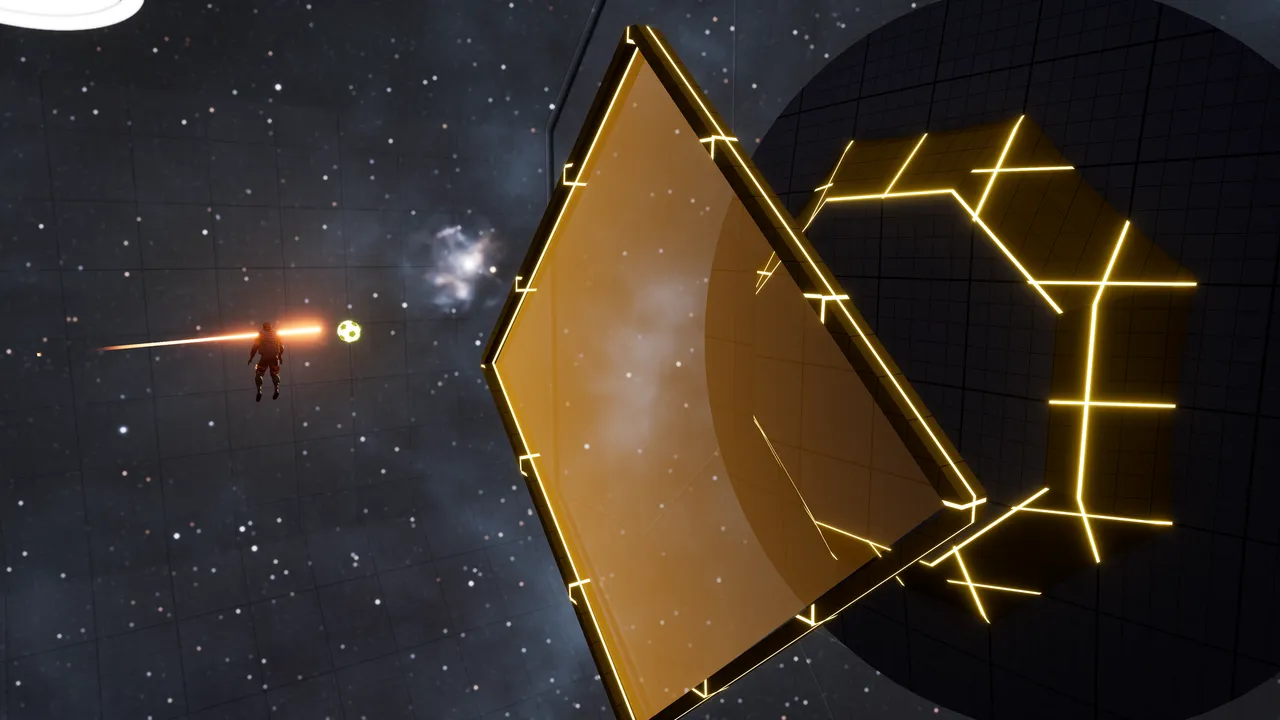
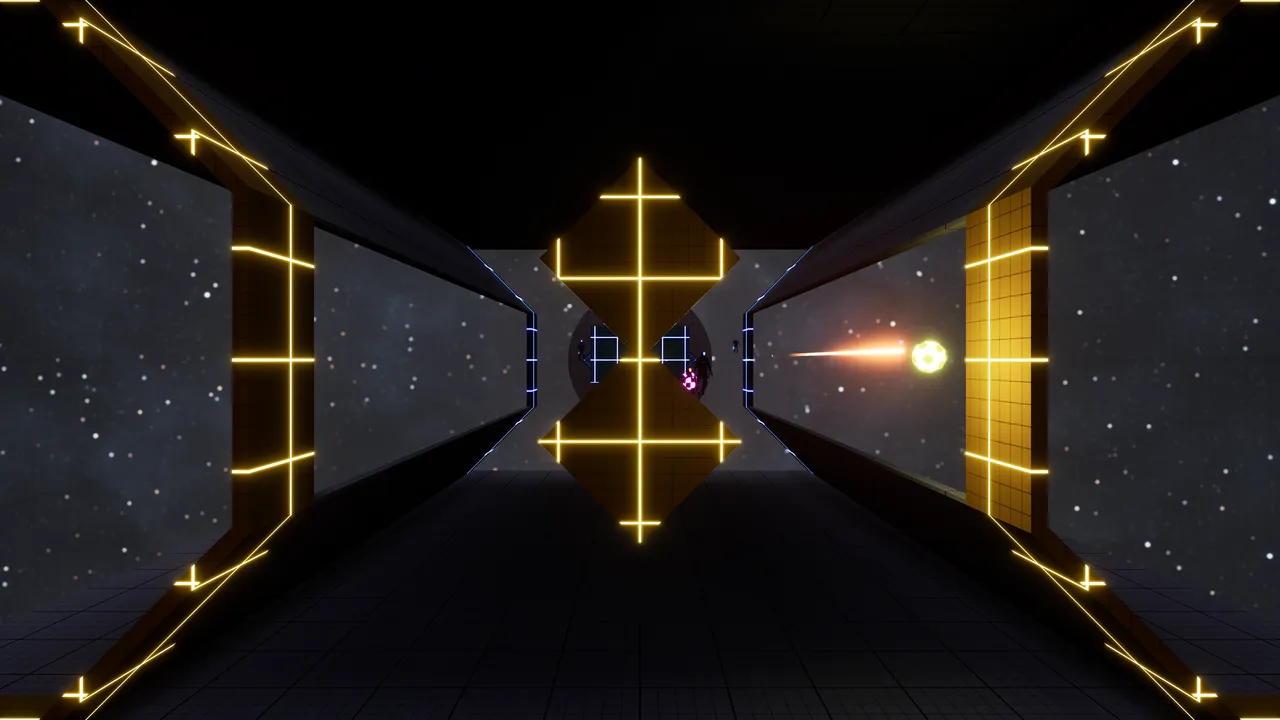
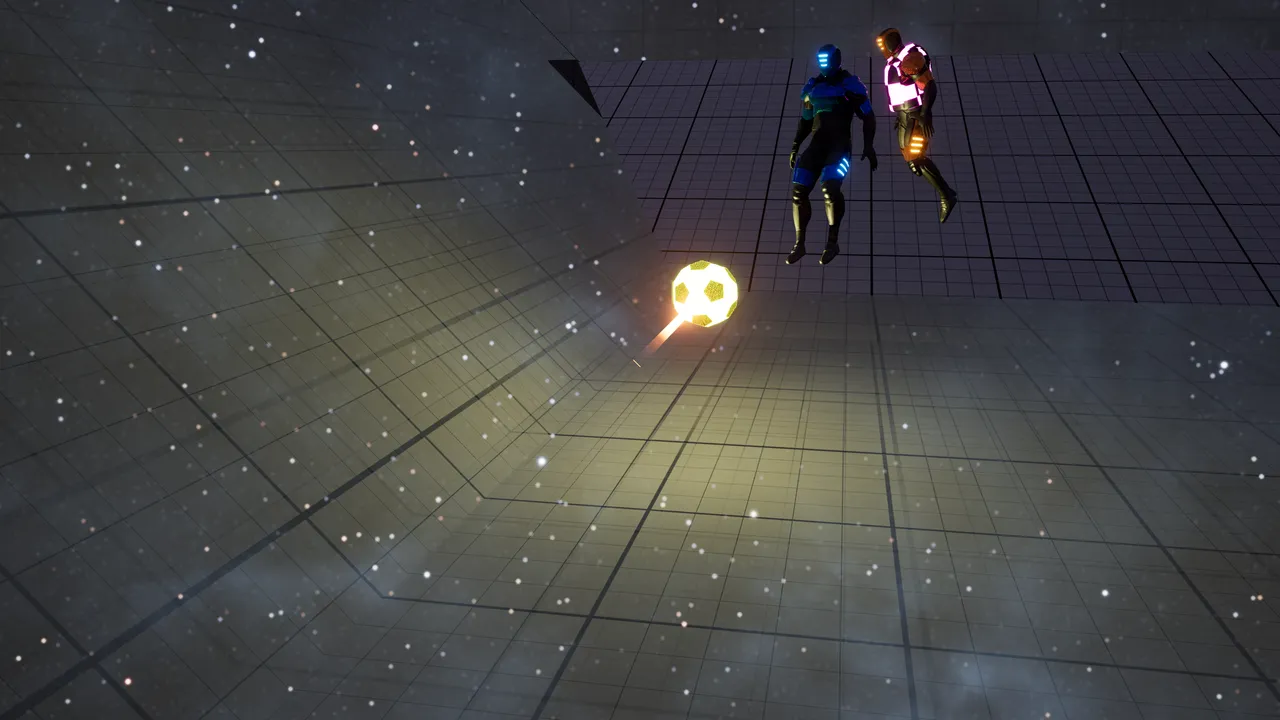
New gamemode: Zero G
Welcome Zero G!
This gamemode has no gravity (as you'd expect from the name), a completely different map, movement mechanics, goals, and kickoffs, inspired by a certain late VR game.
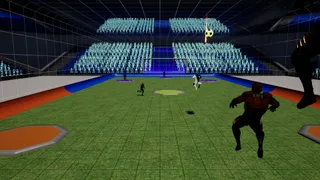
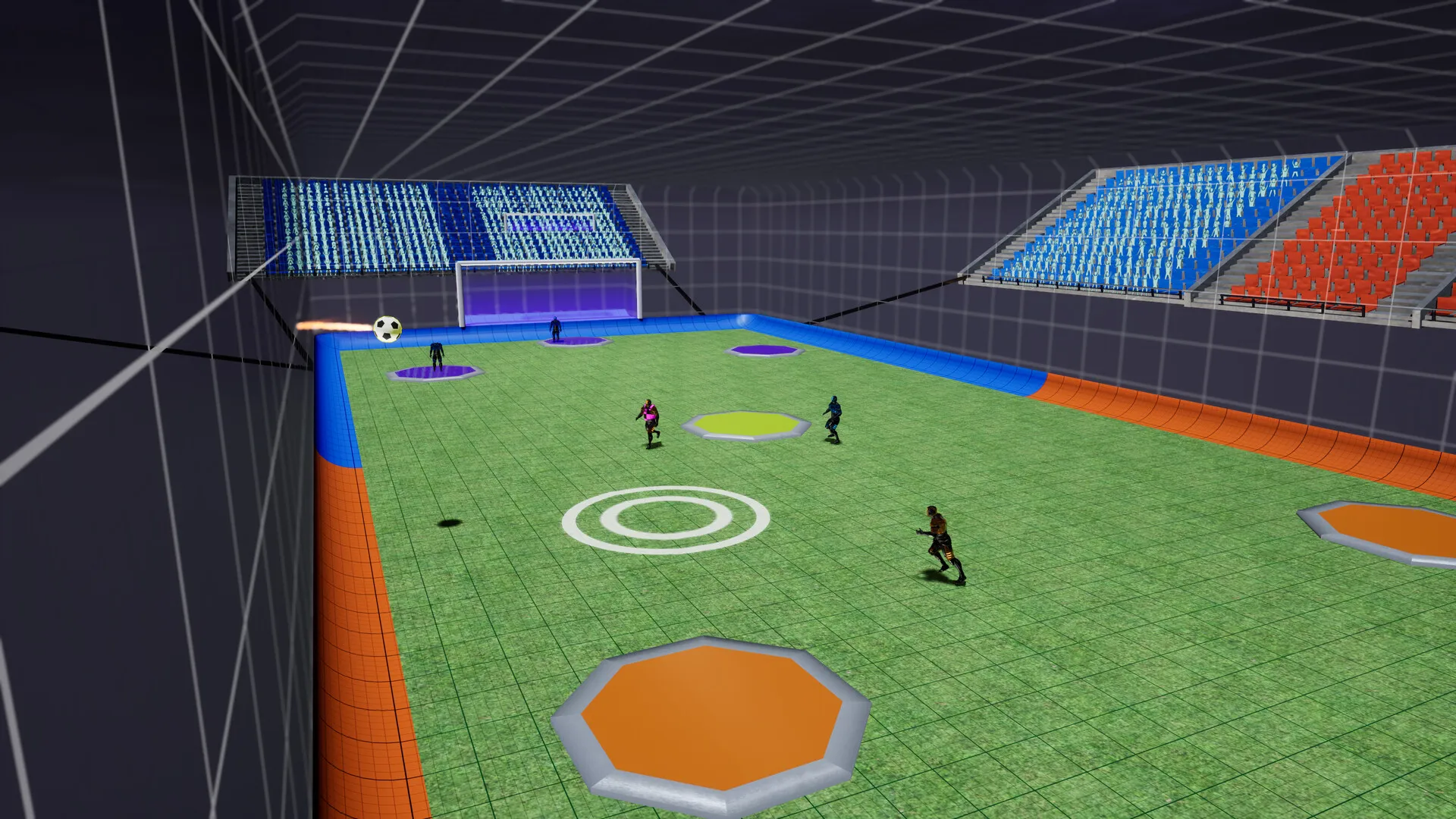
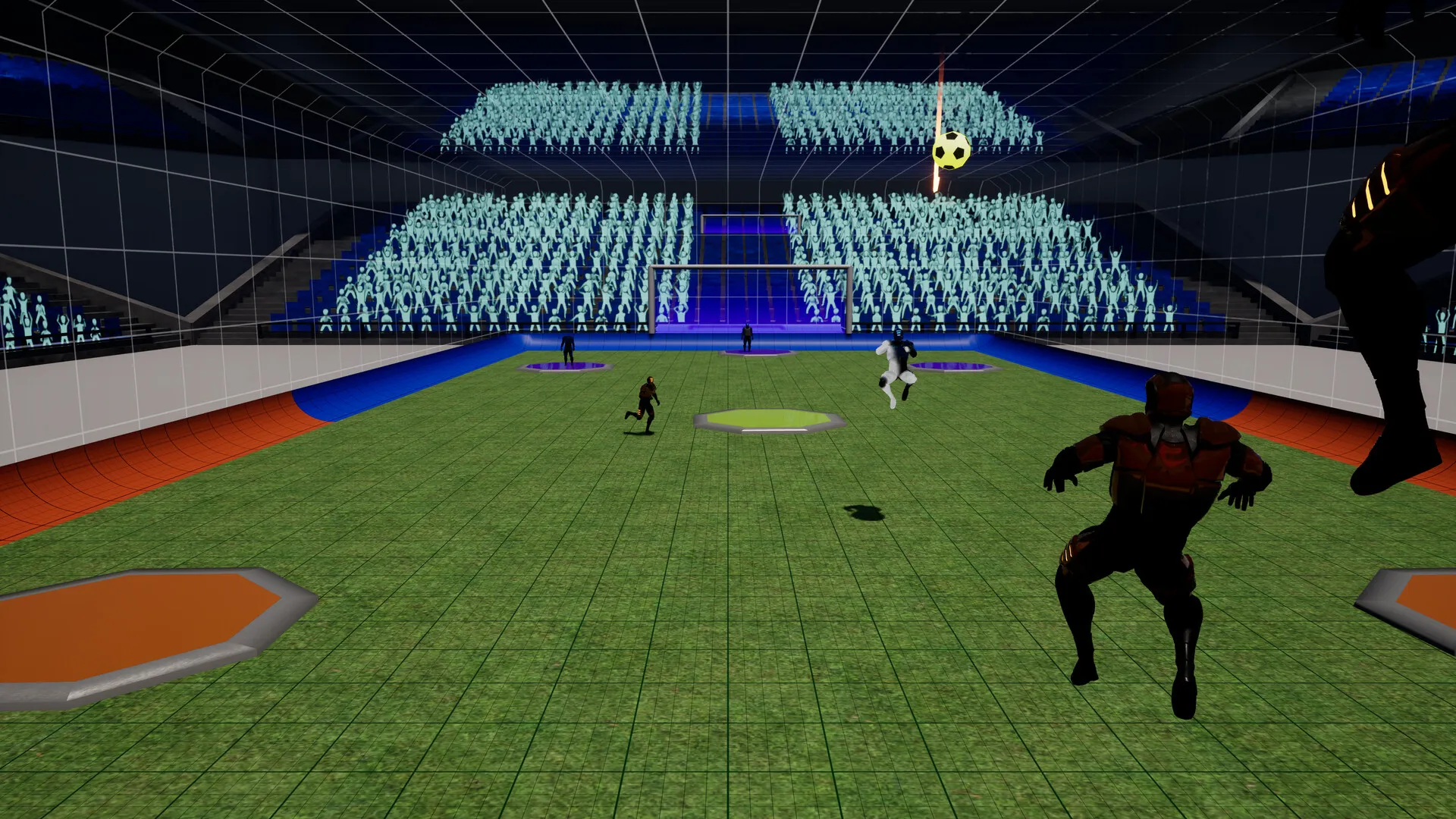
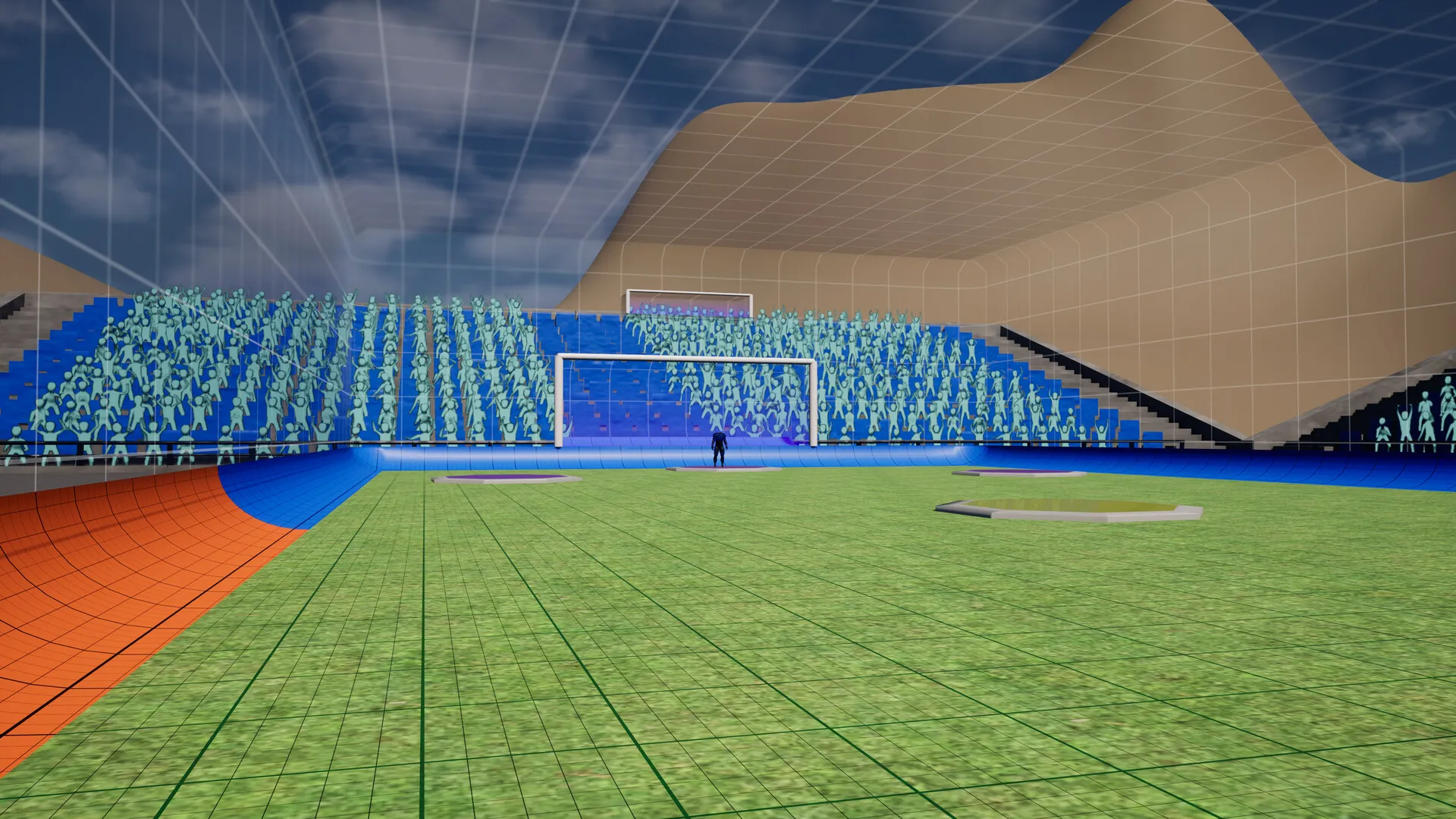
Bigger stadiums
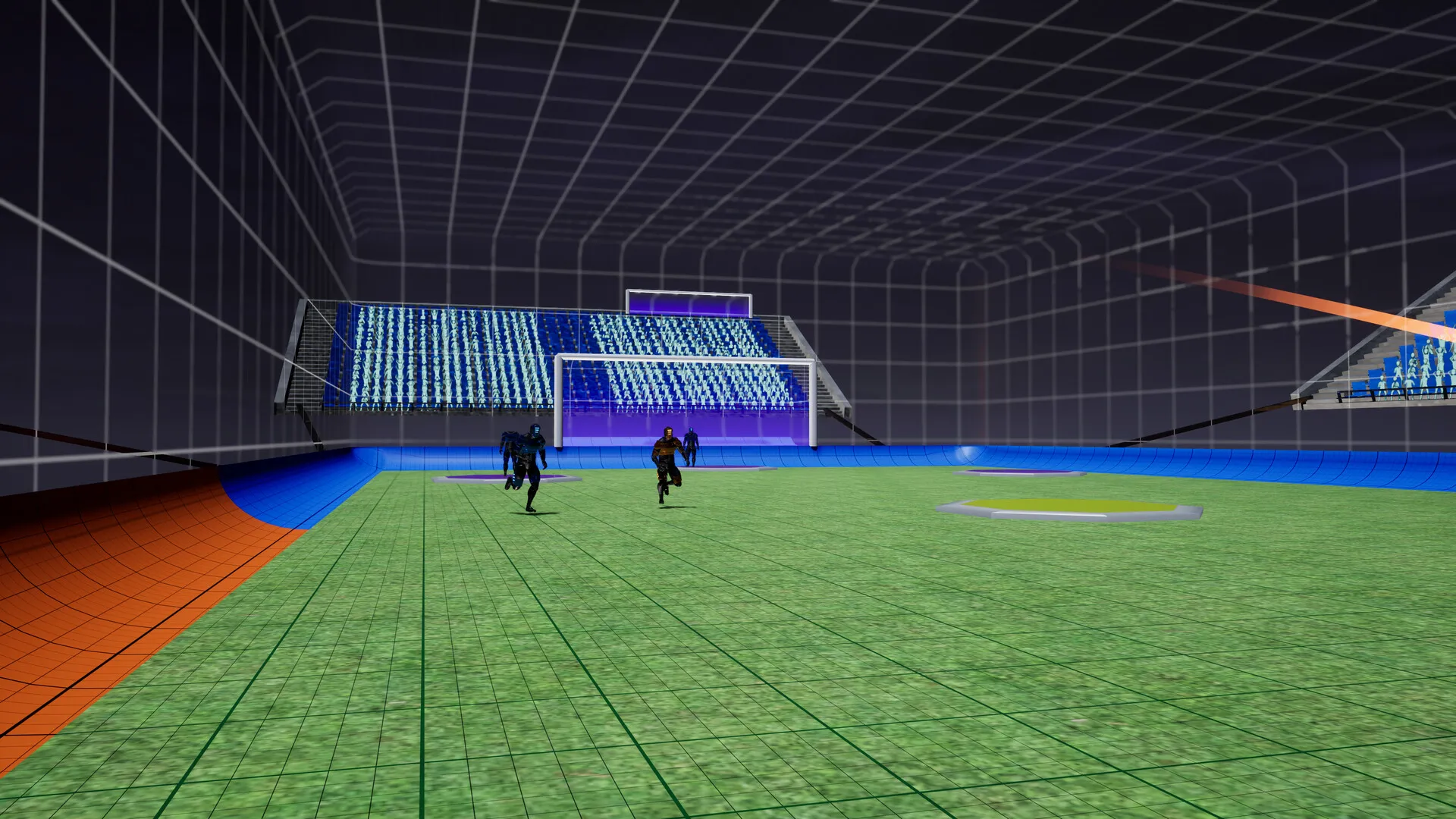
Every stadium (Classic, Desert, Fame and Free Play) is now 30% longer and wider. The walls and ceiling are the same height, so jumps, wall rides and the upper goals play as before; the goals are wider to match the pitch, and the stands moved back with the walls. Zero G and Volleyball keep their size. Tell us how the pace feels: player speed and the ball can be tuned for the bigger pitch.
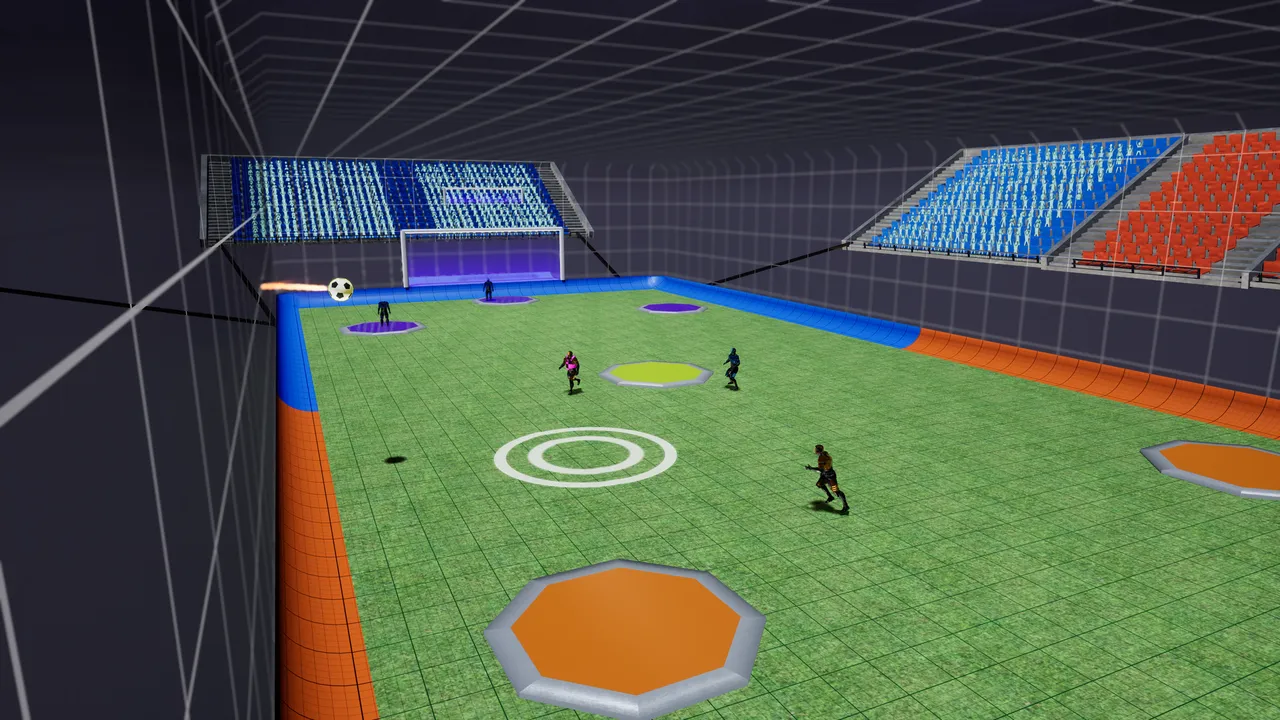
Revamped movement
Since the arena is now bigger, there are now more ways than ever to traverse and set yourself and your teammates up for scoring opportunities!
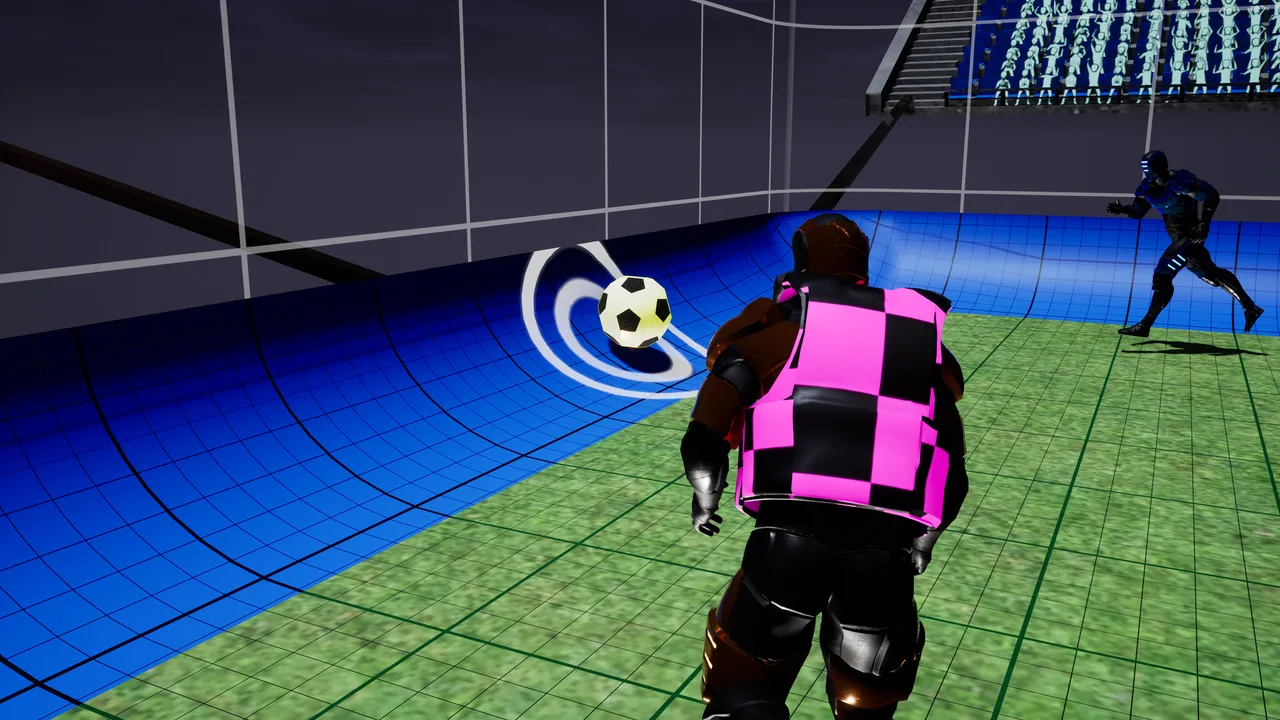
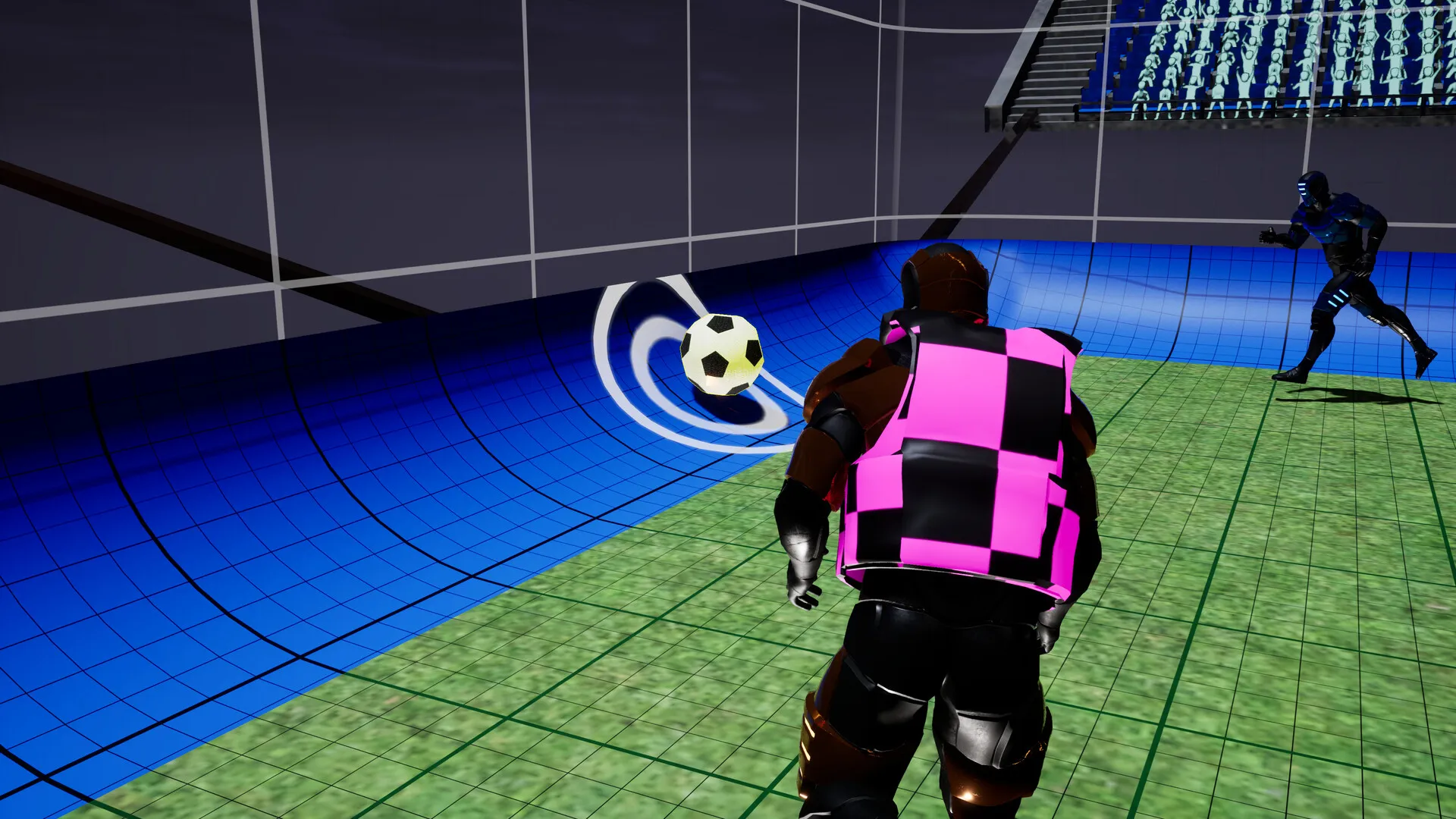
Wall riding
Jump at a wall and hold jump to ride along it.
While riding you keep your height and skate faster than you can run, following curved walls.
Steer along the wall to change direction. Steer away from it, or reach its end, to drop off.
Let go of jump to kick off the wall: you launch up and away from it and keep your speed for a moment.
You can grab another wall straight away, so you can chain rides around the arena.
Air dash
Press Shift (keyboard) or LB (controller) while you're in the air to dash.
One dash per jump. It comes back when you land or grab a wall, and you can dash off a wall ride.
On controller, kick is now on X only (it used to be on LB as well). Both are rebindable in Settings.
Netcode rewritten
Lag compensation
In my lag tests at about 150 ms ping, punches/kicks now connect around 50% more accurately.
At 200 ms punches/kicks now connect around 70% more accurately.
Your game checks the hit against the ball you can see, and the ball reacts instantly on your screen.
Your punch is sent with a precise timestamp. The server rewinds the ball to that moment (up to 0.3 s) and confirms the hit against where it really was.
If the server disagrees — say an opponent touched the ball a split second before you — your screen corrects straight away.
All movement including jump pads and wall running are now predicted properly, so should be much more responsive on worse connections.
Spectating & replays
Instant replays
After a goal, everyone sees a replay of the last 5 seconds before the goal was scored.
Press A (controller) or Space (keyboard) to vote to skip. The replay ends as soon as every player and spectator has voted, and the banner shows how many have.
Auto-cam
It runs along the side of the arena, turns smoothly to follow the ball, zooms in a little as the ball gets further away and rises when the ball comes close to its own wall. After a goal it closes in on the scorer.
Goal feedback
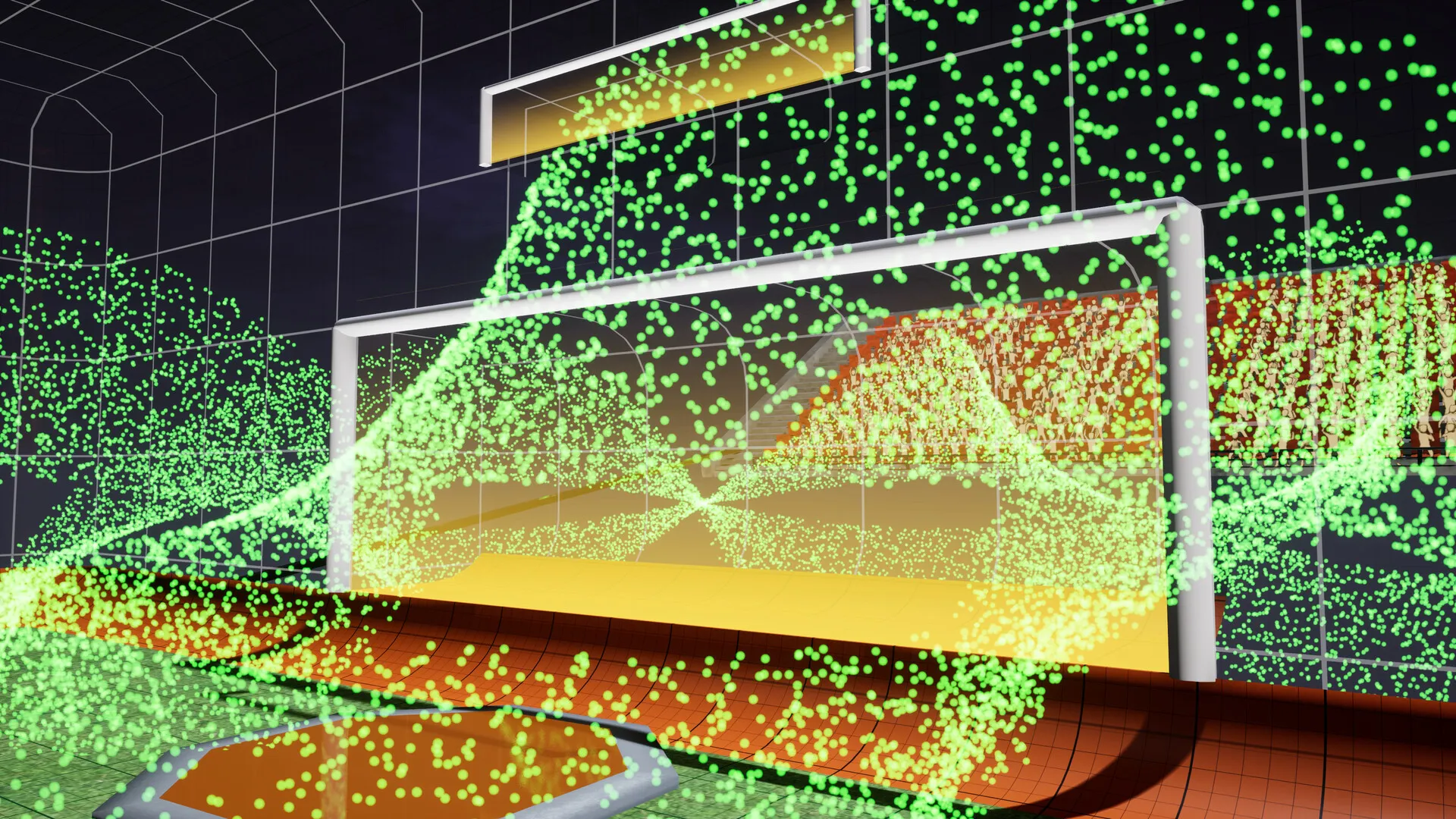
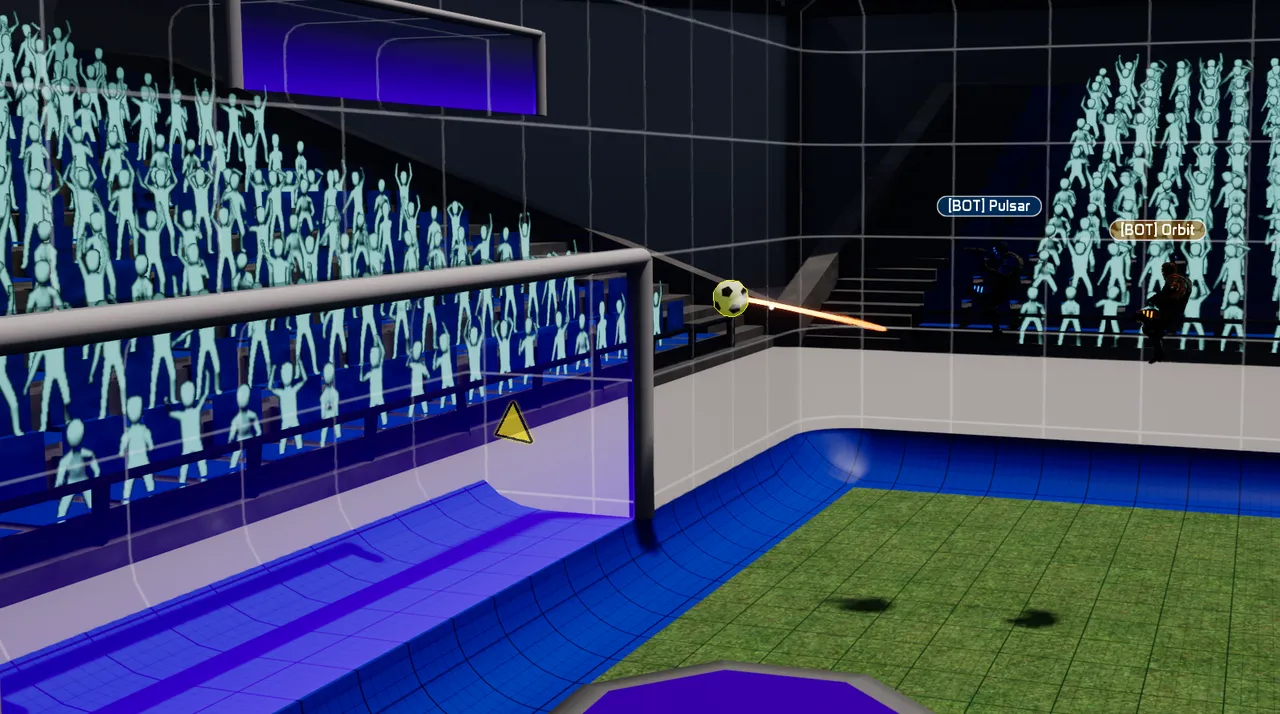
Bigger celebrations: a flash of the scoring team's colour, a camera shake, a shockwave across the goal and a goal sting, with your goal explosion as the main event. The fireworks are gone; they drowned everything else out.
Five new goal explosions, free for everyone who owns LUNARBALL, each with its own sound: Stardust (Common), Halo (Rare), Champagne (Rare), Implosion (Epic) and Aurora (Epic).
Kick-ups now count as touching the ball, so a goal you set up with a kick is yours.
Goal credit is reset at each kickoff, and the crowd now always cheers for the team that scored.
Text chat
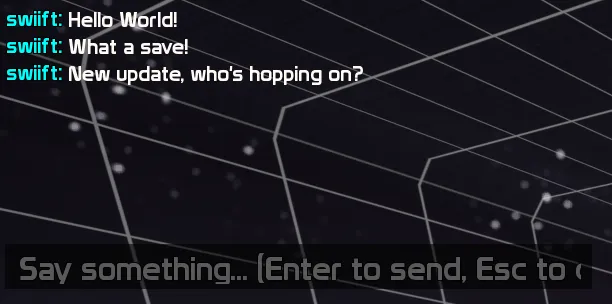
Press Enter to type a message to everyone in the match. Enter sends and Esc cancels. Messages appear in the message box in the top left, with your name in your team's colour. Chat is keyboard only.
Bots
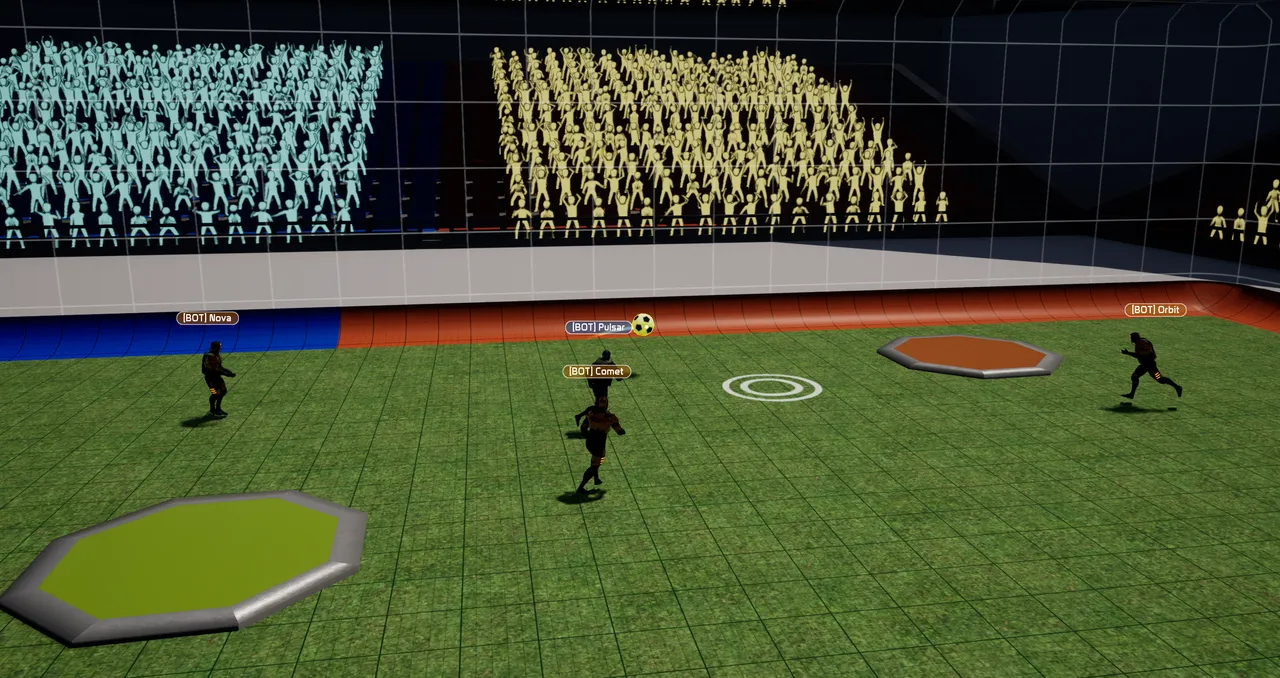
Bots use exactly the same mechanics as players.
Difficulty changes how quickly they react, how well they read the ball's flight and bounces, how accurately they aim, how often they pass, and how well they hold position.
Bot names start with [BOT] so you can easily identify them.
How bots decide what to do
Each team's bots share a "coach" that hands out roles a few times a second:
Striker — whoever can reach the ball first goes for it. If that's you, the bots back you up instead of crowding the ball.
Goalie — whoever is nearest your goal guards it: narrows the angle, tracks shots to where they'll cross the line, jumps for high balls, clears loose balls.
Defender — sits between the ball and your goal and shadows the most dangerous attacker.
Winger — gets ahead of the ball on the opposite side from the striker, ready for a pass.
At kickoff, roles come from where everyone spawns. After that they shift with the play: bots push forward when your team has the ball and drop back when you're under pressure. Strikers choose between shooting and passing, lead their passes, aim away from the goalie, pop the ball over blockers with a kick, and play it along the wall when it's stuck against one.
Quick Play improvements
Quick Play has two queues: 3v3 in the stadium and Zero G 3v3, which replaces 2v2.
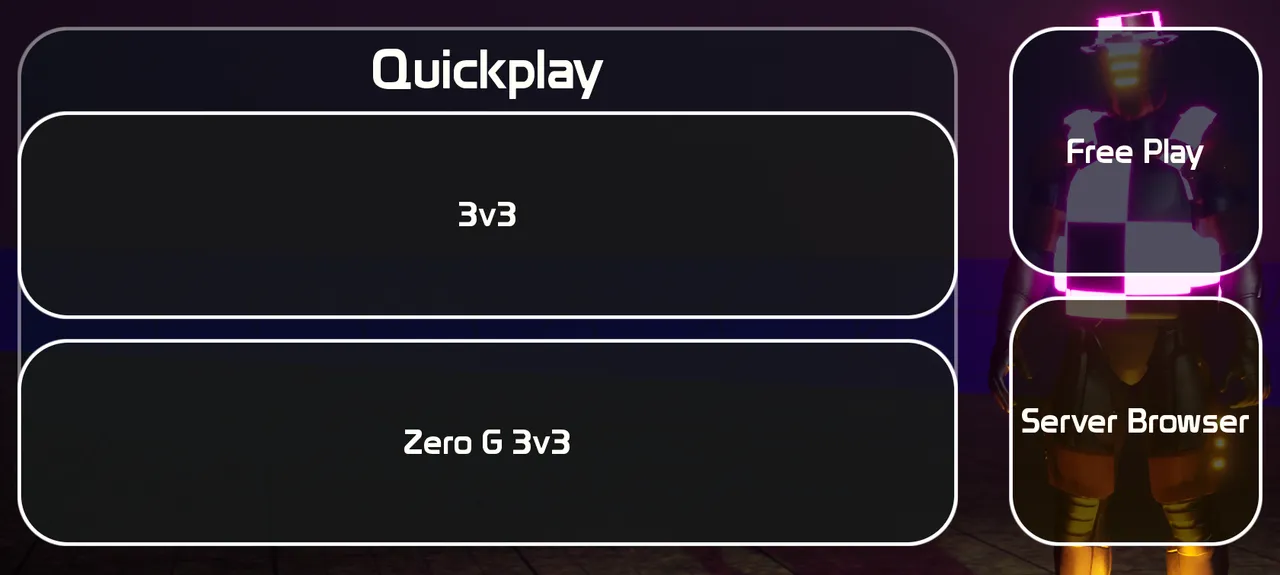
Quick Play searches for players in your region, as before.
If no full match comes together within 60 seconds, the match starts and the empty slots fill with bots. The search screen counts down.
The match starts on its own as soon as everyone from the lobby has arrived; nobody has to press start. If someone doesn't make it within 20 seconds, a bot takes their place instead of the match being called off.
Your match stays listed: anyone searching can join, and a bot leaves to make room.
If a player leaves mid-match, a bot takes their place after a few seconds.
Host migration. If the host leaves the game, the best candidate takes over as host and everyone else reconnects to them, with the same teams, score and time left, after a short pause. A bot takes the old host's place, and the slot is available to be backfilled.
Bot skill follows your level. New players get gentle bots, but they get good quickly: by around level 10 they're close to Hard, and by level 20 they're at full strength. Bot matches give the same XP as any other match.
Custom matches
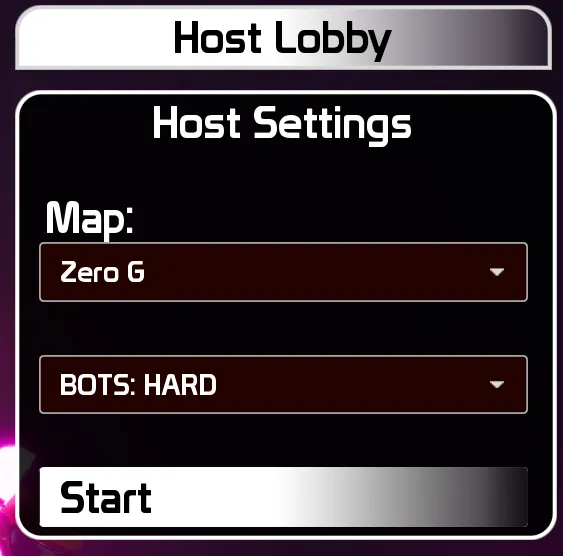
Host Settings has a new Bots option: No Bots / Easy / Medium / Hard, Bots fill both teams up to 3v3, and players who join take a bot's spot. You can kick and add bots at will as the host.
Various other improvements:
Visual improvements:
Shadow improvements
A subtle depth blur softens the far end of the arena, so the action near you stands out.
The day stadiums are no longer washed out, and the brightness no longer shifts when you look up at the sky.
Loading screens show the map you're loading into, with its name.
Sound
Many new sounds to increase the responsiveness of actions while controlling your character.
Cosmetics
Players who join a match late now see what everyone else is wearing
Items further down the customise grid no longer show as placeholders after scrolling.
Bots wear a random hat, vest and goal explosion.
Your cosmetics now equip reliably when you join a match, and stay on through every kickoff and respawn.
The customise screen shows your items straight away instead of staying empty until you pressed Refresh.
Fixes
Every menu now works with a controller. No need to use your mouse or tap on Steam Deck or on controller.
Loads of UX/UI improvements for controller browsing around menus.
XP and goal stats are now credited to each player. Previously the host's account received everyone's XP and goals, and other players' podium XP showed as +0.
Quick Play matches now return everyone to the main menu after the match summary. The ball can no longer get stuck somewhere unreachable; it drops back to the centre spot.
Running, jumping and landing animations blend smoothly instead of snapping.
Fixed various focus/character stuck issues
Bounce sounds play for every real bounce; the landing marker moves more smoothly.
Other players no longer briefly appear wearing your cosmetics when they spawn.
Volume settings now save and apply. Before, changes were lost and the sliders showed 0 when you reopened them.
Footstep sounds now come from the player instead of high above the pitch, and landing from a jump makes a sound.
The host's Match Settings player lists no longer fill up with copies of every player.
Shots on goal are now credited to the team taking them. Before, a shot only counted when it was aimed at your own goal.
Goal celebration effects now fade out after a goal instead of staying in the arena.
Starting the match from Match Settings now closes the pause menu. The mouse cursor no longer disappears while a menu is still open when the match starts or ends.
The kick-up sound was missing from some builds.
On a controller, the volume boxes in Settings change with left and right, in steps of 5.
B and Esc go back in every menu, including the server browser and its host settings and the item shop. While searching for a match, they cancel the search.
On a controller, X applies your settings.
Performance
Upgraded to Unreal Engine 5.8.
The ball, punches, kicks, movement input, spawning and match rewards have moved to C++
Far less network traffic, and player settings are no longer reloaded from disk every second which should prevent hitching.
Thanks for sticking with LUNARBALL. See you on the pitch — and if there's nobody there, the bots will be!